YOUR OPERATION
AT A GLANCE

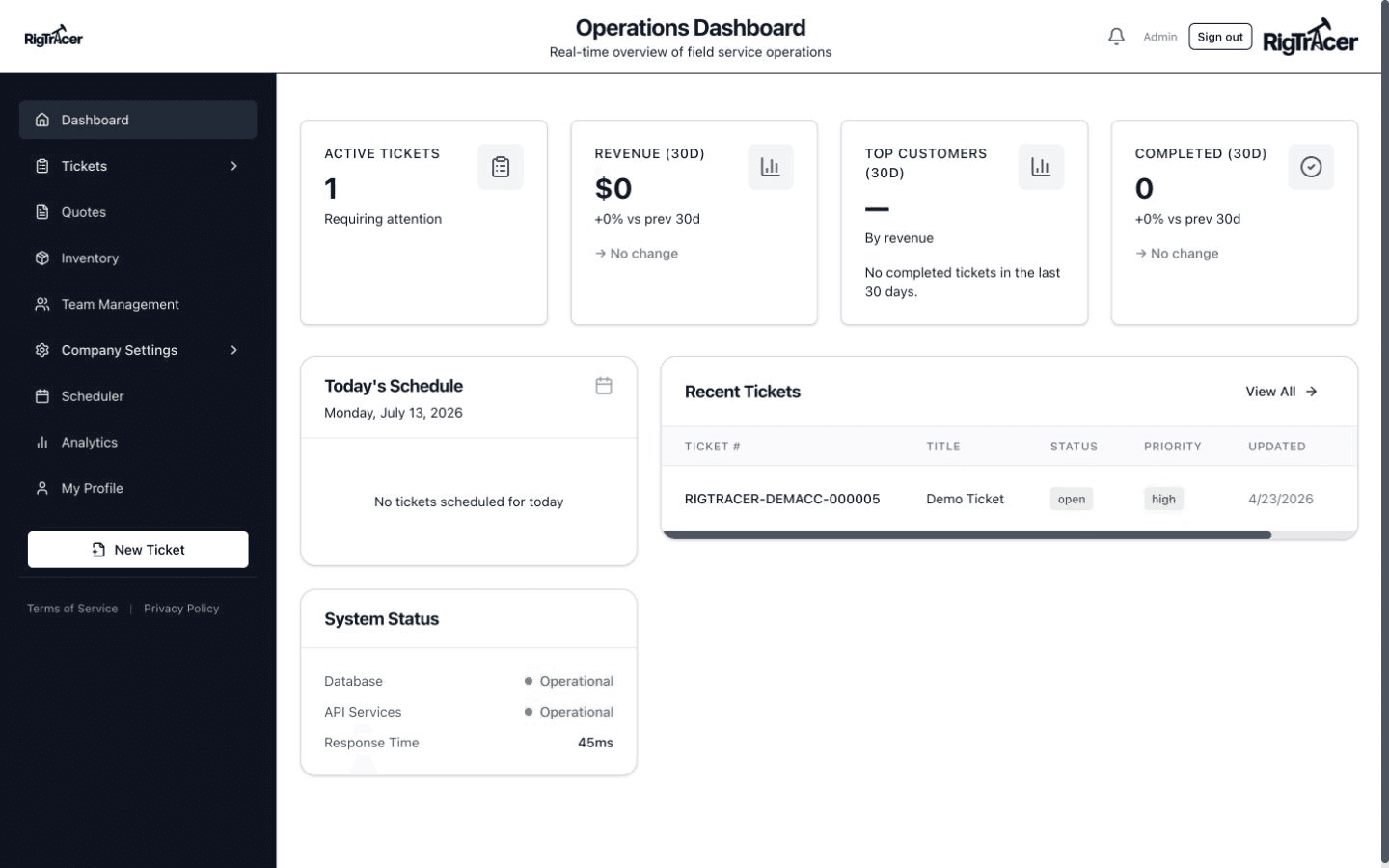
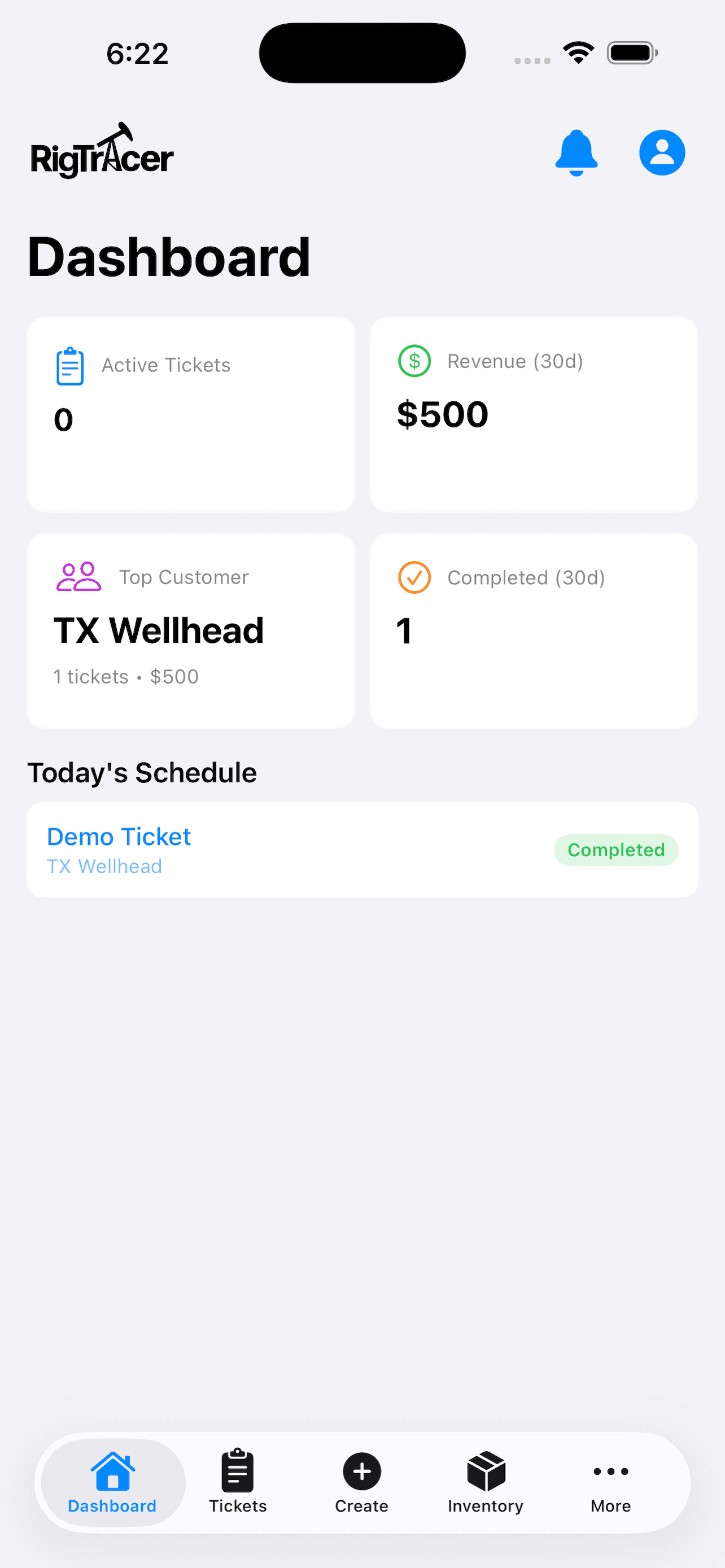
The dashboard gives you a real-time view of open tickets, scheduled jobs, and completed work — all in one place. Know the status of your entire operation without picking up the phone.

  • Live ticket counts and status breakdown
  • Recent activity feed
  • Quick-action shortcuts
RigTracer Dashboard
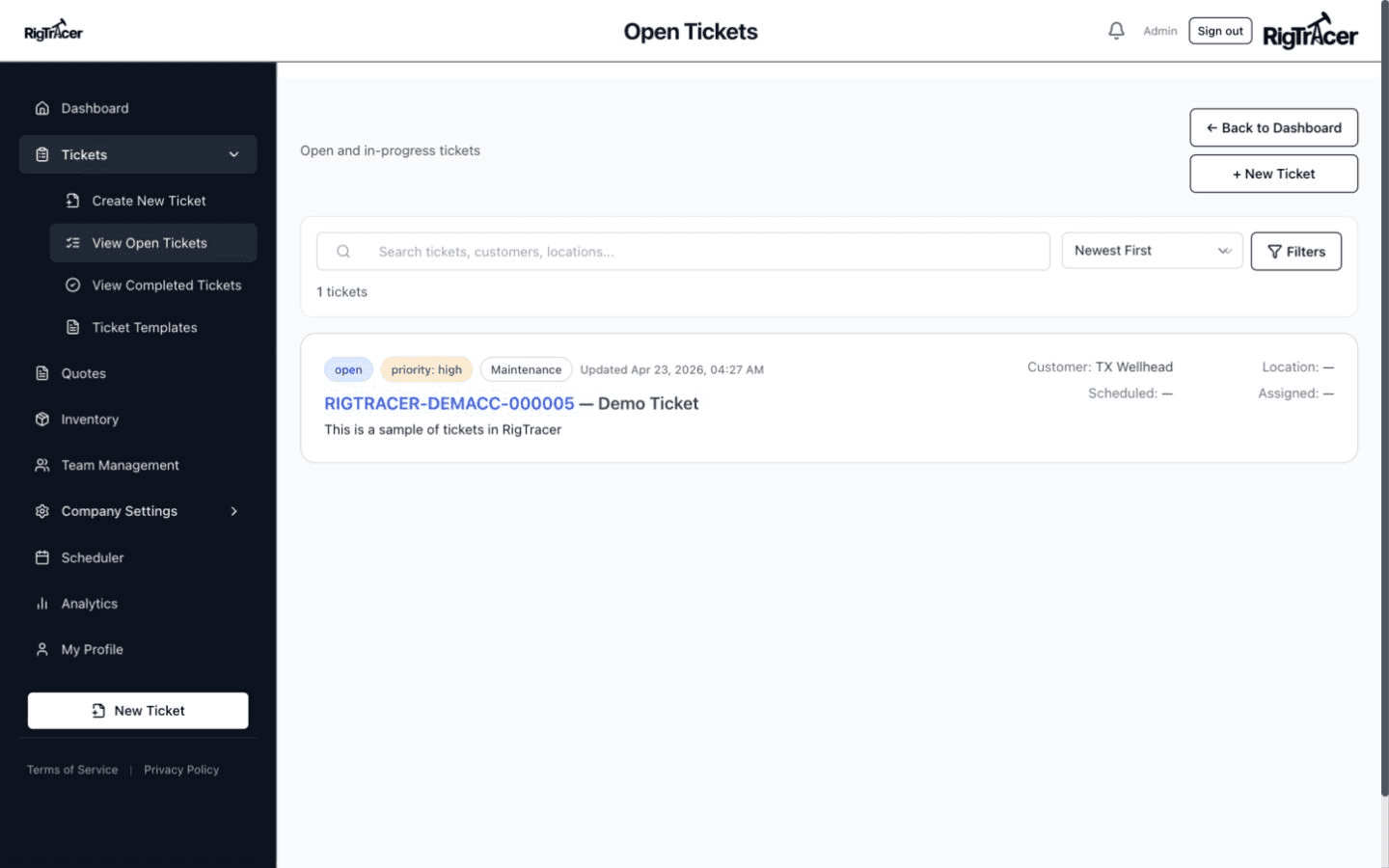
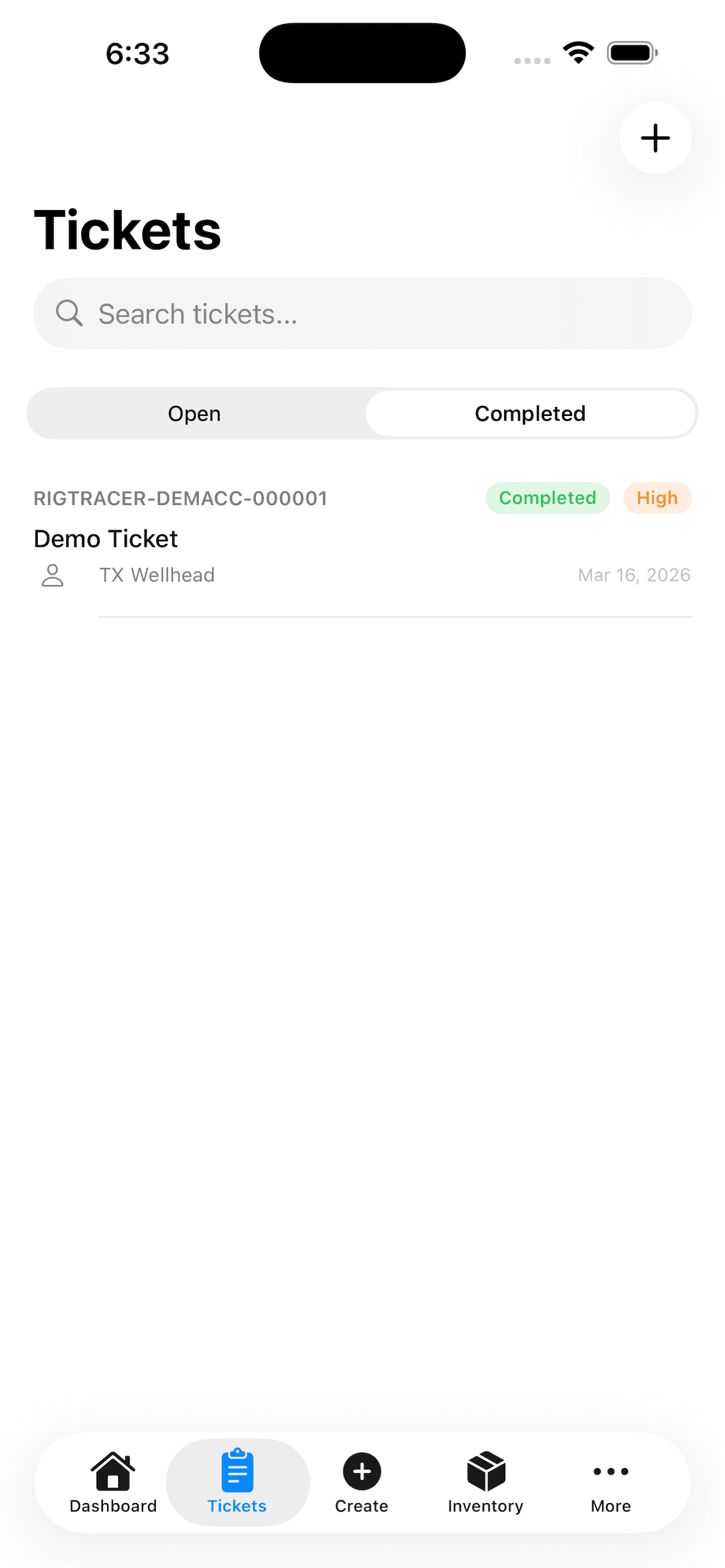
Ticket List
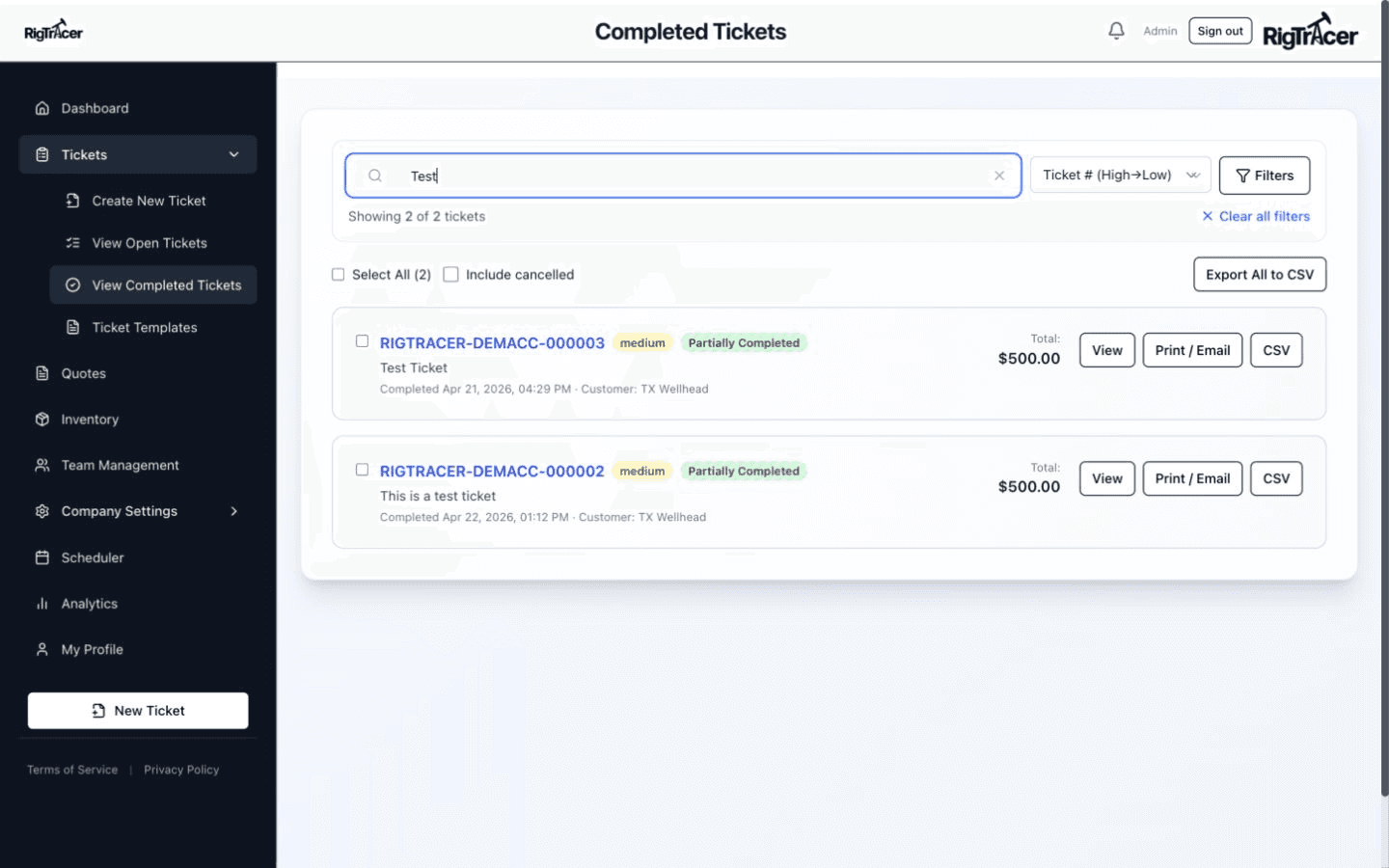
Ticket Detail

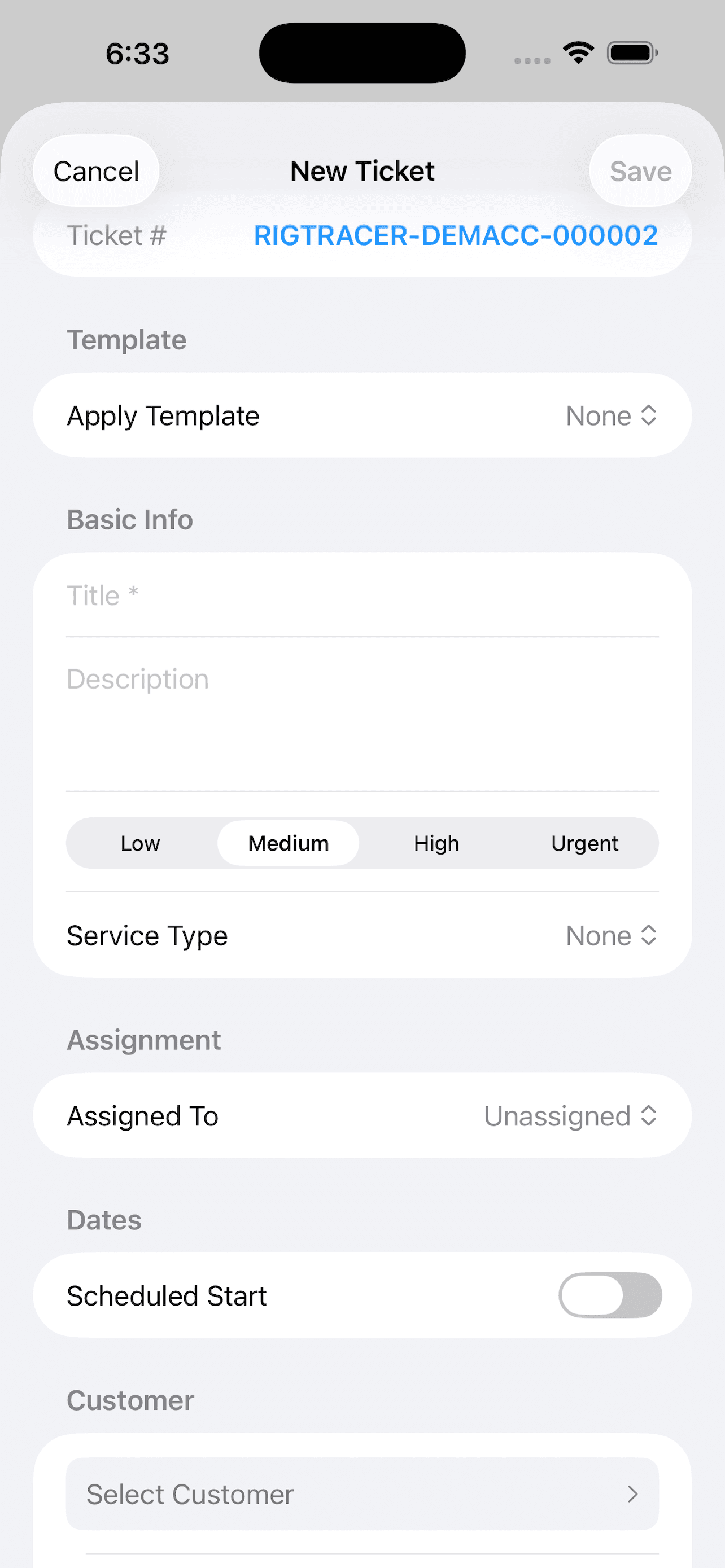
CREATE, ASSIGN
& CLOSE TICKETS

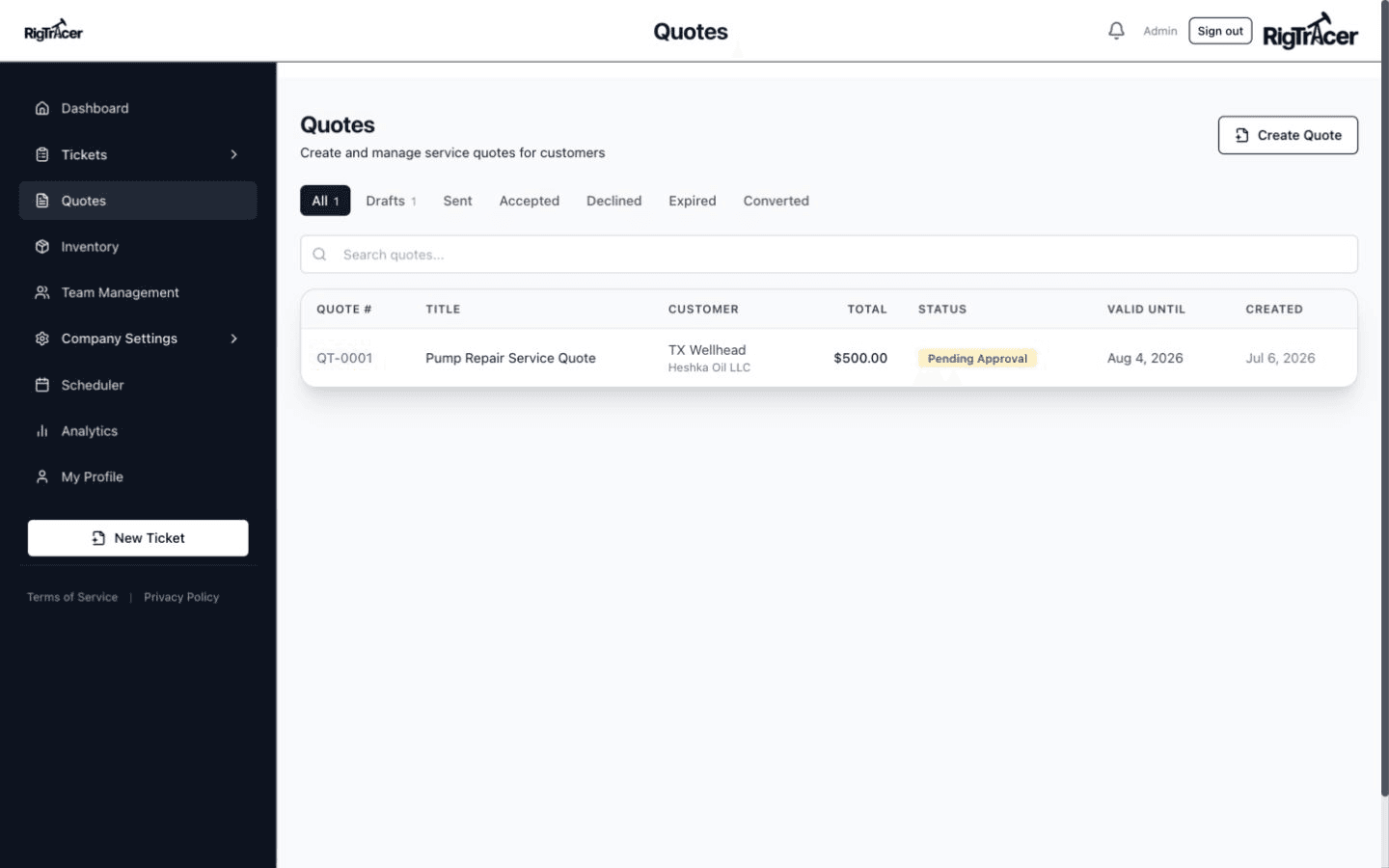
Build service tickets with line items, assign technicians, capture signatures, and close out — all from your phone or desktop. Every ticket has a complete audit trail.

  • Line items with customer price books
  • Digital signatures on-site
  • PDF generation and sharing
  • Full edit history and audit trail

VISUAL CREW
SCHEDULING

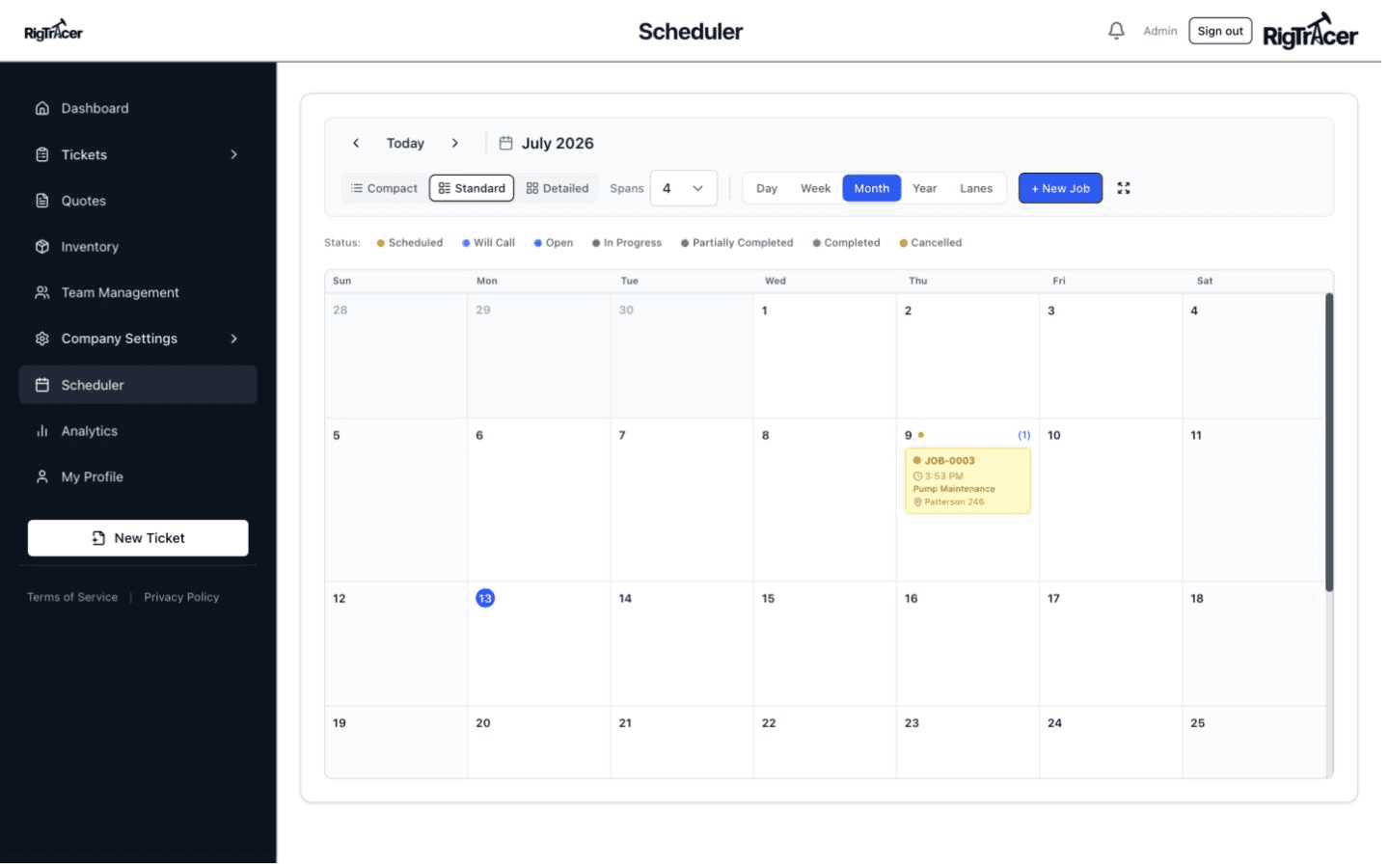
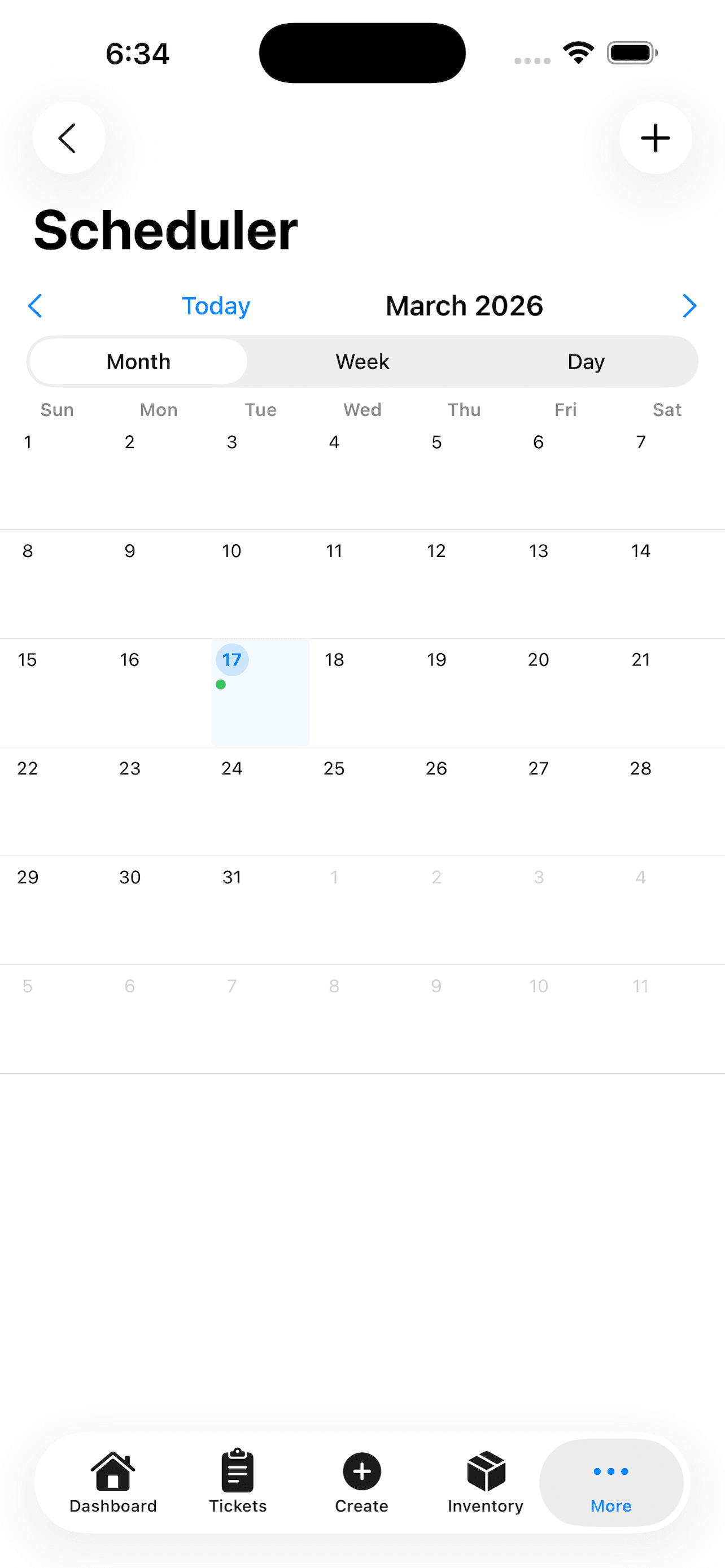
Drag-and-drop scheduling with day, week, and month views. See who's available, who's on a job, and where your crews need to be — then assign with a tap.

  • Day, week, and month calendar views
  • Technician lanes with availability
  • Tap to create or reschedule jobs
Scheduler
Inventory
Scan QR Code
Align QR code within the frame

TRACK EVERY
PART & TOOL

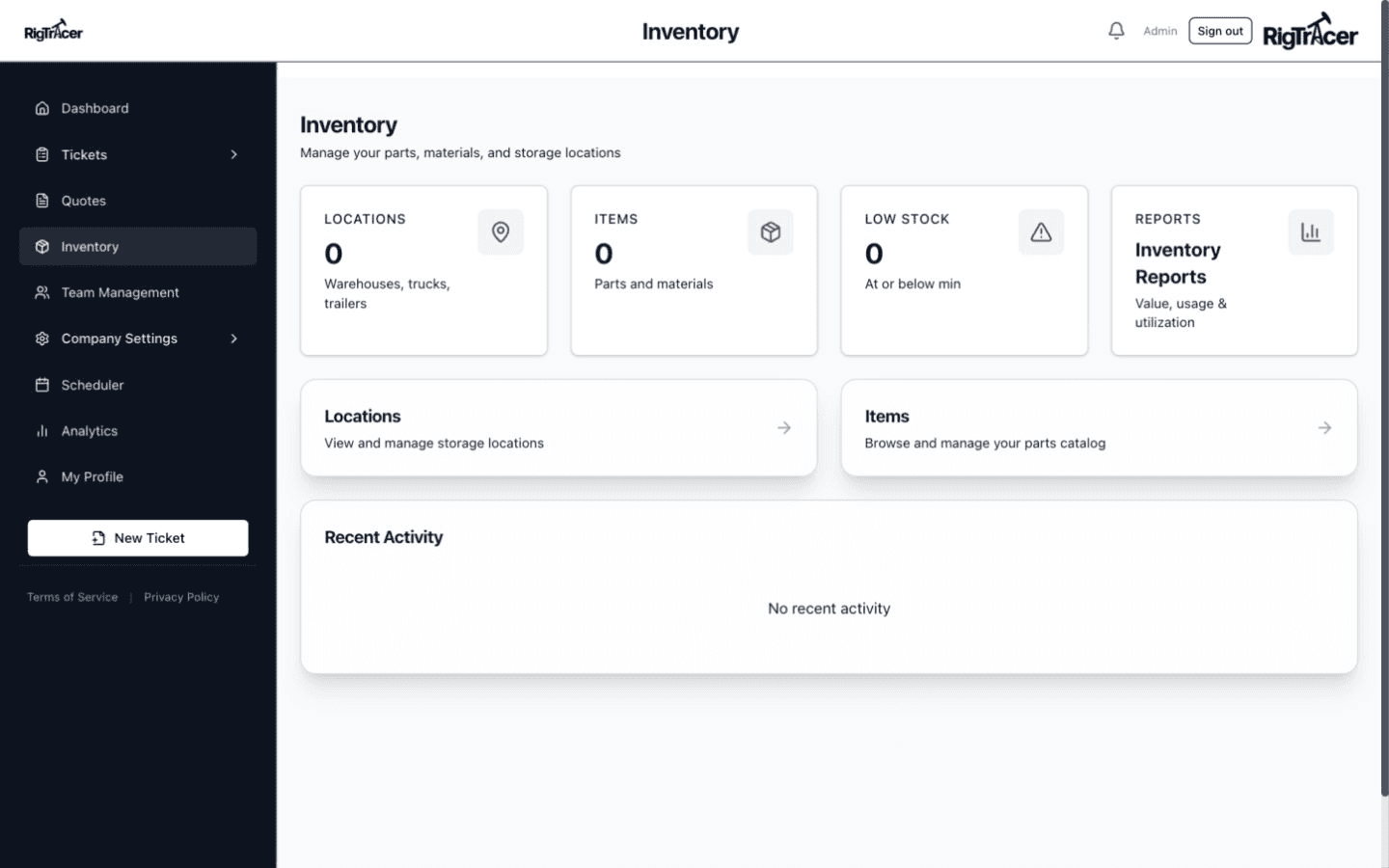
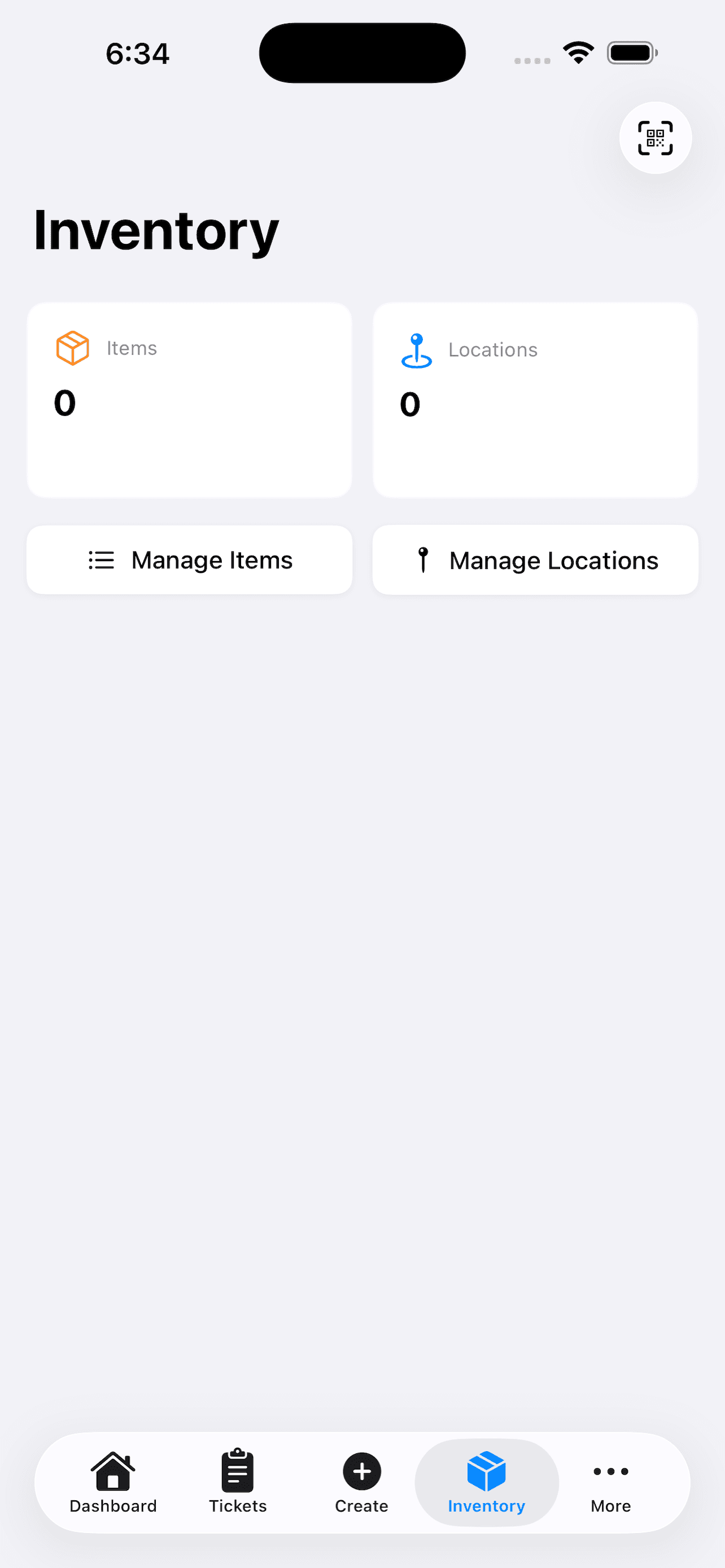
Manage inventory across multiple locations with QR code scanning. Know what you have, where it is, and when you need to reorder — before you run out on a job site.

  • QR and barcode scanning
  • Multi-location tracking
  • Stock level alerts
  • Usage history per item

BUILT FOR THE
WELL SITE

The RigTracer iOS app puts your entire operation in your pocket. Create tickets, capture signatures, scan QR codes, and generate PDFs right from the field.

  • Native iOS app — fast and reliable
  • On-device PDF generation
  • Camera-based QR scanning
  • Push notifications for assignments
Mobile App

READY TO SEE IT
FOR YOURSELF?

See why oilfield service companies are switching to RigTracer.